
Introduction
Like many product people, I’ve been tracking the rise of AI development tools (e.g. Claude, Emergent, OpenClaw). Beyond the hype, these tools are redefining roles and the speed at which products move from idea to delivery.
I’ve always wanted to develop my own product. During my paternity leave, I decided to see if these tools could help me ship a website in just 3 months. I used Emergent to create Kodo (www.getkodo.co.uk). Kodo is designed to help people who feel stuck in their career. Users work through activities and receive personalised insights, to gain clarity on their career and decide what to do next.
Developing Kodo required a full production stack: MongoDB, OpenAI integration, Sentry for monitoring, and complex CRON jobs for user engagement. Below are my top 10 learnings from the front lines of “vibe coding” as a product manager.
Here’s a video showing the first release of Kodo: https://youtu.be/eC5OkfWrT-s
Lesson 1:The ‘build barrier’ has collapsed
The first version of Kodo—including a frontend, backend, and OpenAI integration—was live in two weeks.
I was amazed at how easy it is to build.
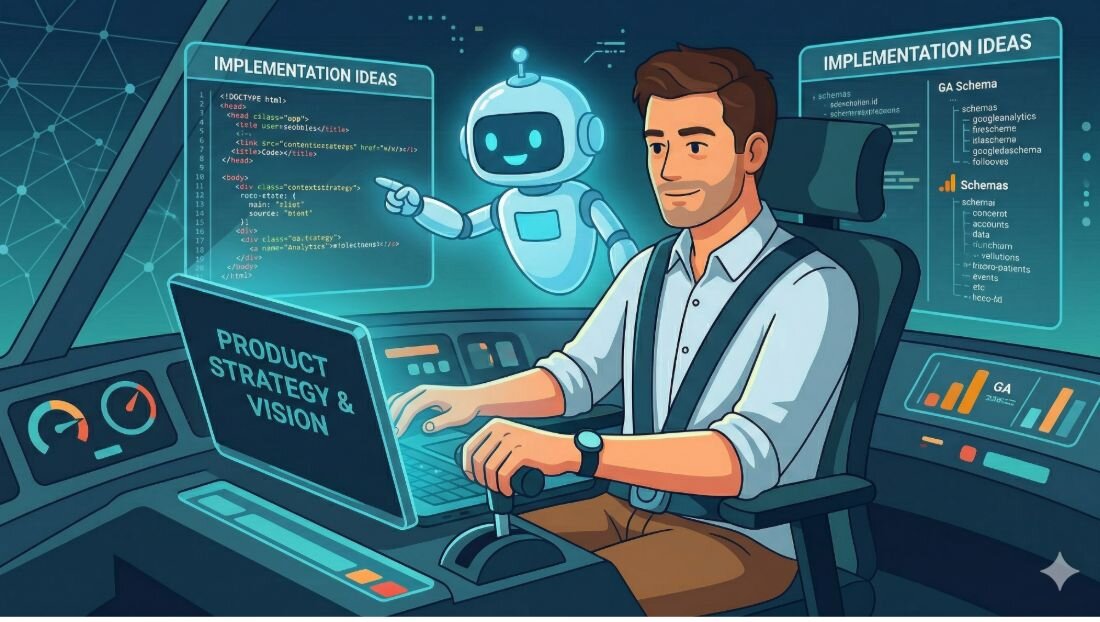
For example,I wanted to track user behaviour using Google Analytics. I described the insights I wanted to the AI tool. Together we agreed on the metrics and their definitions. The AI tool wrote the code and walked me through the integration. Within 45 minutes I had implemented Google Analytics tracking on production.
Tip: While speed is intoxicating, it can be a double-edged sword. AI has a confidence bias that often exceeds its accuracy. My role shifted from managing a backlog to being the arbiter of quality and edge-case testing. I found a few issues with the schema and fixed them.
Lesson 2: Move from feature specs to goal-oriented dialogue
I initially assumed I should provide a list of features and acceptance criteria to the AI tool. I was wrong. The real value is in the conversation.
If you provide these tools with the problem / goals / insights, they’re excellent at generating ideas.
Instead of specifying a username/password login feature I shared the goal: I want a frictionless way for users to return to their insights. The AI suggested several options (user ID in local storage, magic links) and we agreed on a solution for my user need.
Treat these tools like a co-pilot. AI provides options, you make decisions.
Tip: Don't spec out the how. Start with the goal and context and work with the AI tool to co-design the solution before a single line of code is written.
Lesson 3:There is no substitute for user validation
Sure you can sit in a room and build a product in a few weekends. That doesn't mean anyone wants it.
It’s important to get early feedback from users.
I worked with a User Researcher (my wife) to conduct Alpha interviews. Those sessions revealed pain points that no AI could have predicted. We identified critical needs that led to several pivots before we even hit Beta.
Speed is only valuable if you're moving in the right direction.
Tip: speak to users early in the lifecycle. This helps you validate the problem / ideas / execution.
Lesson 4: Don’t forget non-functional requirements
AI agents are confident, happy path thinkers. They rarely raise concerns about speed, scale, or resilience unless prompted.
When we implemented Google Analytics in Kodo, I prompted the AI agent by saying:“do we need a cookie consent banner for this GA implementation?”. The AI tool immediately agreed and built it. It didn’t flag this legal requirement on its own.
You must make sure non-functional requirements are covered.
Tips:Add these prompts to your workflow (you’re welcome to copy and paste these):
- Identify anything in the architecture or codebase that could negatively affect latency (e.g blocking API calls). Provide recommendations to improve the speed, or perceived speed, of the product.
- Act as a Security Architect. Conduct a threat modeling exercise on my codebase using the OWASP framework. Flag any critical security vulnerabilities such as hardcoded secrets, injection risks or broken access control.
- Based on our tech stack, forecast the costs of a Beta with 100 active users. What are the projected costs per user?
- Review the logging and alerting strategy of the application to ensure we can detect production incidents and perform root cause analysis.
- Conduct a GDPR and UK-specific regulatory assessment. Are there any legal or regulatory requirements that we need to consider (e.g. consent for tracking, data retention, responsibilities as a data controller)?
- Perform a pre-mortem on this launch. Identify any considerations or edge cases that could impact the stability and success of the product launch.

Lesson 5: Experience still matters
Could my dad, who has limited experience with IT, use these tools to build Kodo from scratch? Probably not. You need experience to act as the quality gate and steer the product direction.
In this new landscape, experience and judgement are our most valuable assets. AI is a master of execution, but it lacks awareness to know if it’s solving the problem.
Experience means you can interrogate the AI’s choices rather than simply accepting them.
I know there’s anxiety about AI replacing roles, but I see these tools as an accelerator for delivery, not a replacement of product leadership.
Tip: As a Product Manager, your role is to bring the vision, make decisions and be the voice of the customer. AI provides the speed, your experience and judgement provide the direction.
Lesson 6: Invest in your prompts
If your product relies on AI for its core value, your prompts become a key part of the product.
I learned that prompt engineering requires as much rigour as any other feature. I created test datasets and spent days in a feedback loop of refinement and testing. I refined prompts to build an engaging user experience, for example in Kodo the weekly activities had to:
- leverage existing user data, to ensure they felt personal, not generic.
- be time-boxed and take less than 20 minutes to complete.
- vary in format, with a mix of individual and social activities.
LLMs are non-deterministic; you must baseline and score AI outputs. As you refine the prompts, use these baselines to ensure that improving a prompt for one scenario doesn't accidentally cause a regression in another.
Tip: Spend time refining the AI prompts. Make sure you’re measuring the output of AI prompts against baselines.
Lesson 7: Beware, the ground is moving
The AI ecosystem is volatile. Don’t be surprised if the AI tools you’re using are constantly updated, and sometimes break. Companies are relentlessly pushing updates.
I enjoyed using Emergent. However, their software updates caught me out twice. Once they restricted access from Taiwan (where I was based) without informing me. Another time my conversational history was temporarily wiped, until IT support fixed the issue.
Tip: Treat AI tools as a vendor risk. Regularly commit your work to GitHub. Your repo should include code, tests and your PRD (Product Requirements Document). Use the PRD, alongside things like Trello, to ensure you have a source of truth outside the AI tool.
Lesson 8: Avoid ChatGPT-ese
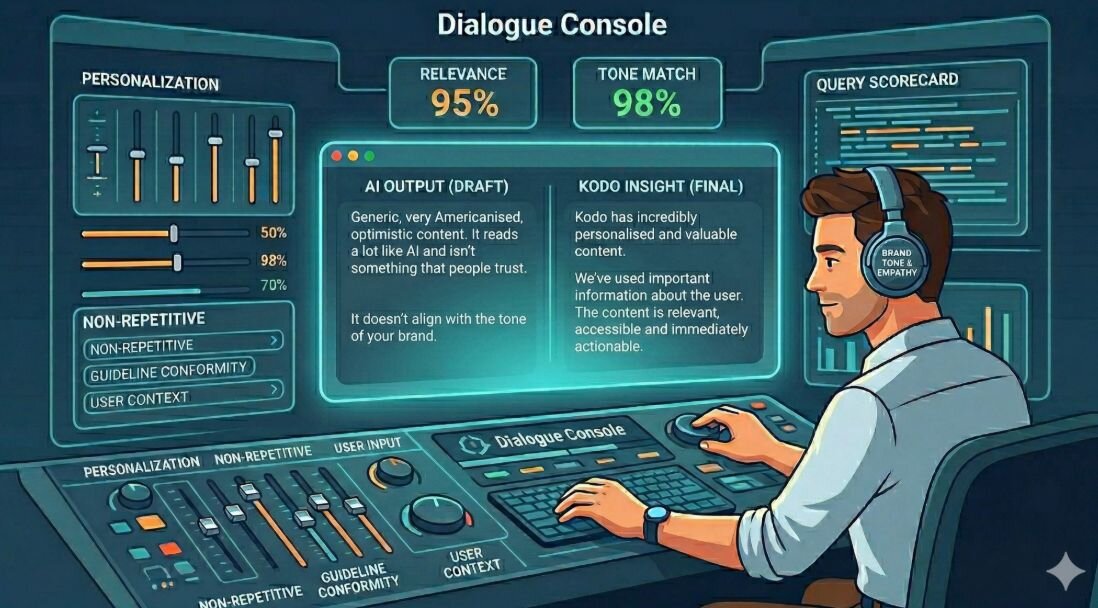
AI tools are great at generating text. In fact, most of the copy for Kodo was written with AI.
But you need to provide a voice for your product, and copy-review is key to that. Otherwise it will sound like every other generic bot (American English, confident, and full of emojis).
Tip: Establish content guidelines early. Decide on your tone, your stance on things like the Oxford comma or em dash, and your brand personality. Refine the AI’s output until it sounds like your product, not the model it’s built on.
Lesson 9: Guard against enshittification through testing
Building products at pace can lead to a decline in quality.
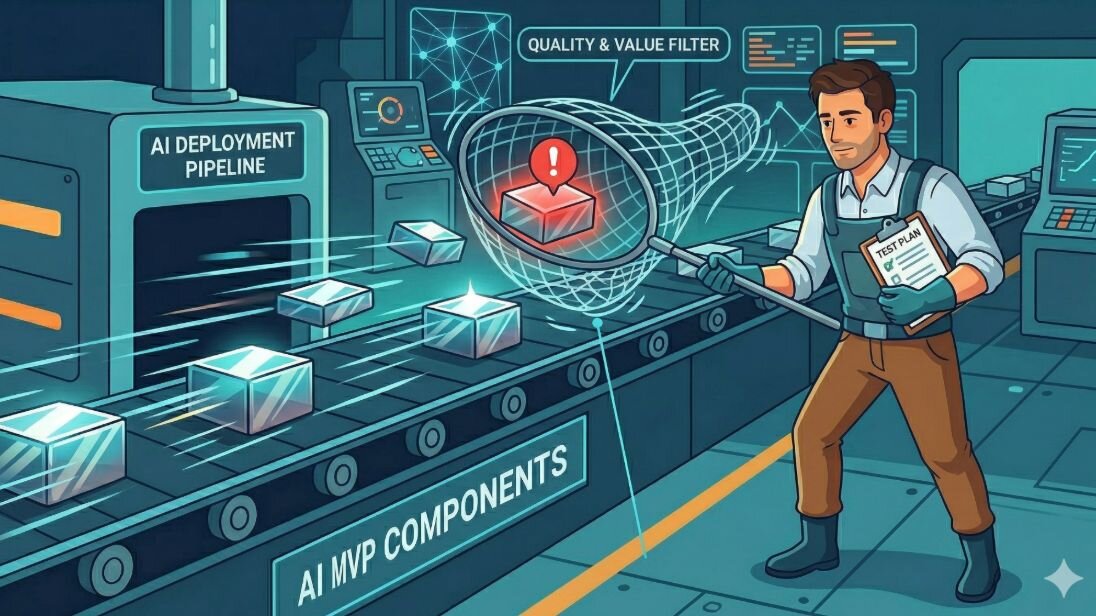
If you’re building a product with AI tools, make sure you’re testing it. You want automated tests, and some manual tests. I’ve seen bugs make it to production that only a manual smoke test (like clicking a link in a real email) could catch.
Have a cohort of users who tell you if things are broken (e.g. a Beta group).
Tip: Invest in an automated test suite. AI can help build the tests, but you must review them. Balance this with manual testing to catch visual regressions and UX friction.
Lesson 10: Learn by doing
The barrier to entry has never been lower. My development costs for Kodo were approximately £300 (including a domain and custom workspace).
Don't overthink the tool choice; pick one (Claude, Emergent, OpenClaw) and aim to push a learning project to production in 4 weeks.
Pick something simple. For example, I wanted to create a web app called Ryan’s Hungry that recommends the top 3 foodie places within a 15 minute walk of my current location.
Tip: The best way to learn about these tools is to try them out. Many tools are free. Aim to build and deploy one project.
